Features
Every module your stable needs
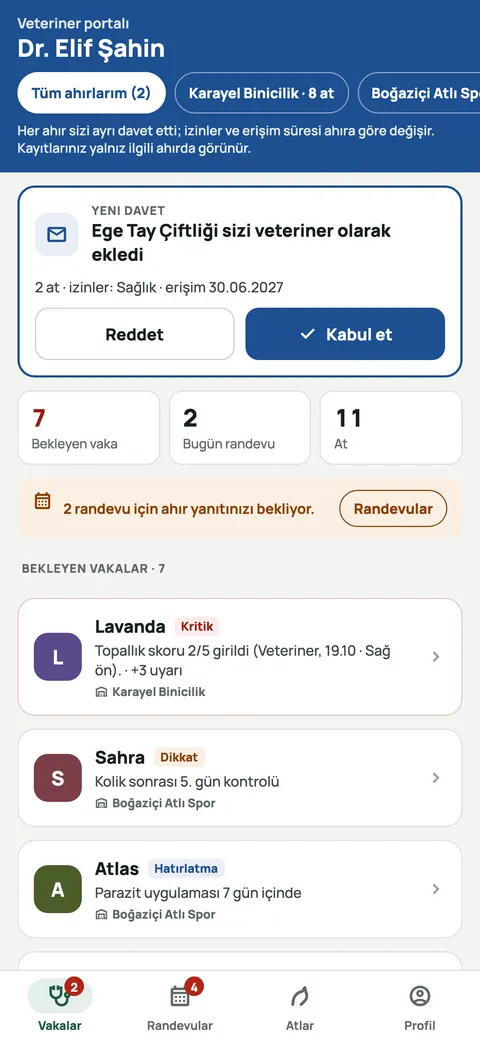
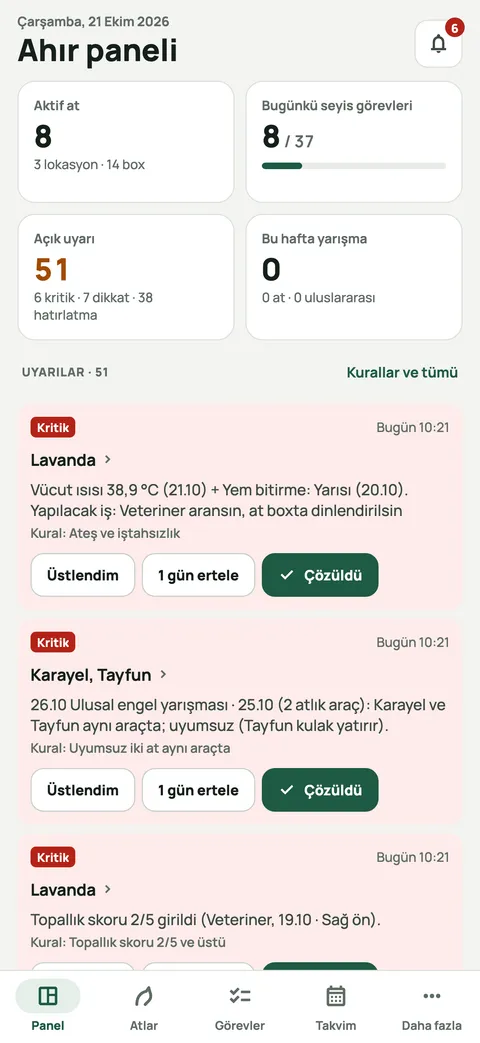
Equ Crm covers the whole operation of an equestrian stable, from daily care to competition results. Modules are connected: a task ticked by a groom can raise an alert, the alert sends a notification, and the notification can lead to an owner's approval.
01
Groom tasks and proof
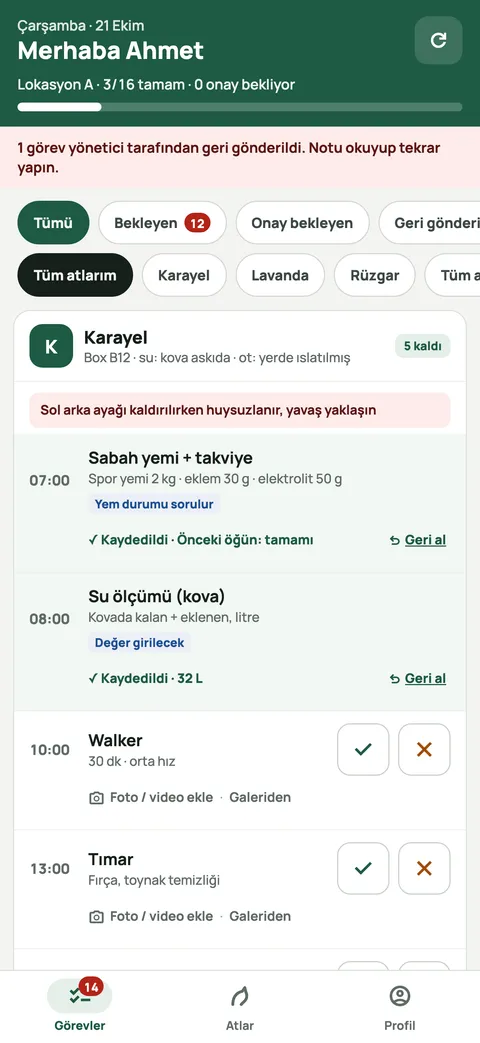
Daily care routines are generated automatically for every horse. Grooms tick tasks off, enter values or add proof; managers approve or send them back with a note.
- Task list sorted by time and horse
- Proof by photo, video or measured value
- Mobile completion that works offline
Related article: The daily groom routine: a yard checklist and how to track the work
02
Horse profile, health, hoof care and feeding
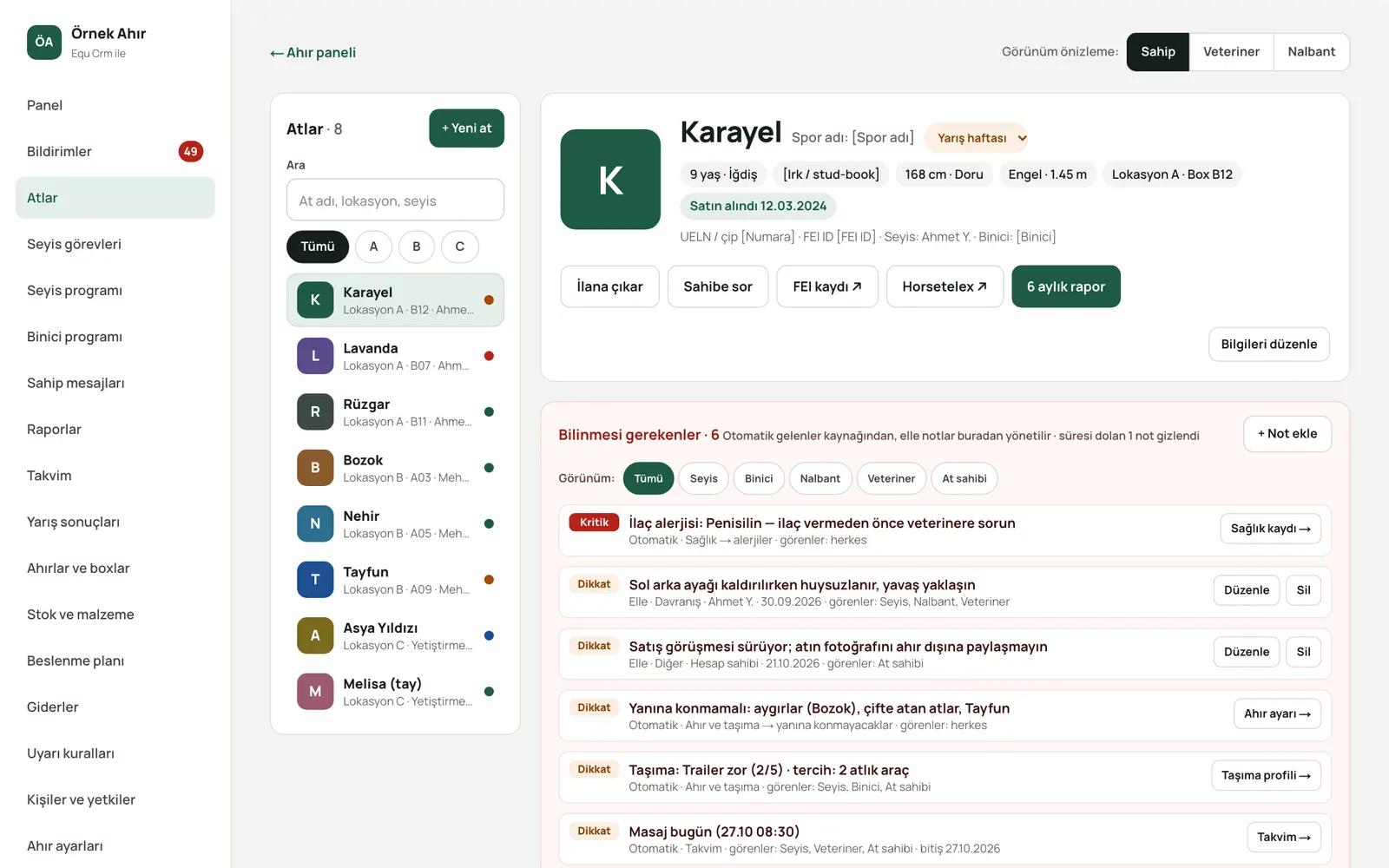
Each horse's identity, pedigree, temperament and history in one profile. Health records, vaccinations, hoof and shoeing history, feeding plan and supplements are kept together.
- Must-knows and drug allergies at the top
- Body measurements and condition tracking
- Individual feed and supplement plan
Related article: Hoof care and shoeing: intervals, a daily checklist and working with your farrier
03
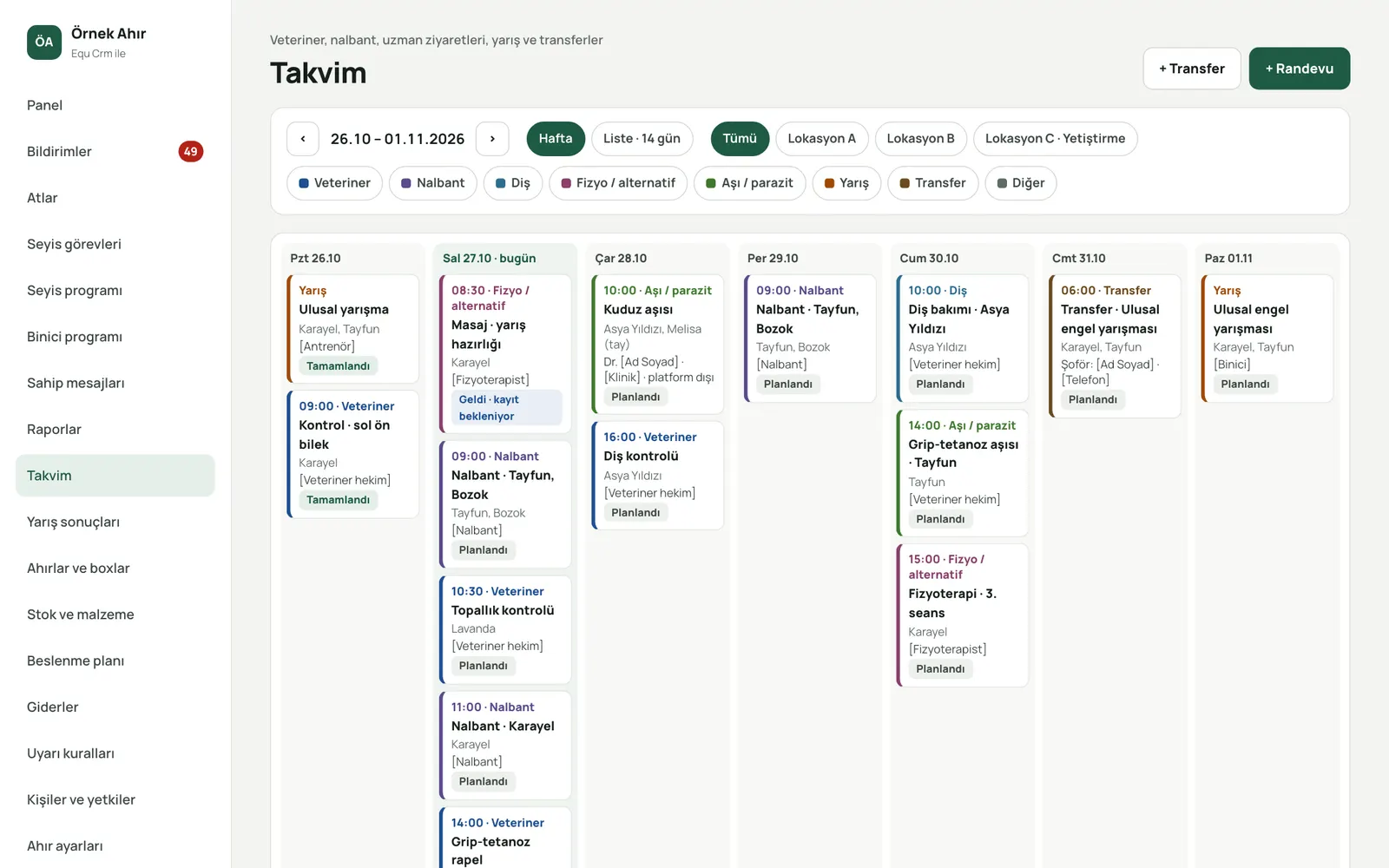
Calendar and transfers
Vet, farrier, physio, competition and transport appointments on a shared calendar. Horses move between locations and stables with their history intact.
- Week and list views, location filter
- Appointment status: planned, arrived, completed
- Horse transfers between stables
Related article: Horse vaccination and deworming schedule: building a yearly plan
04
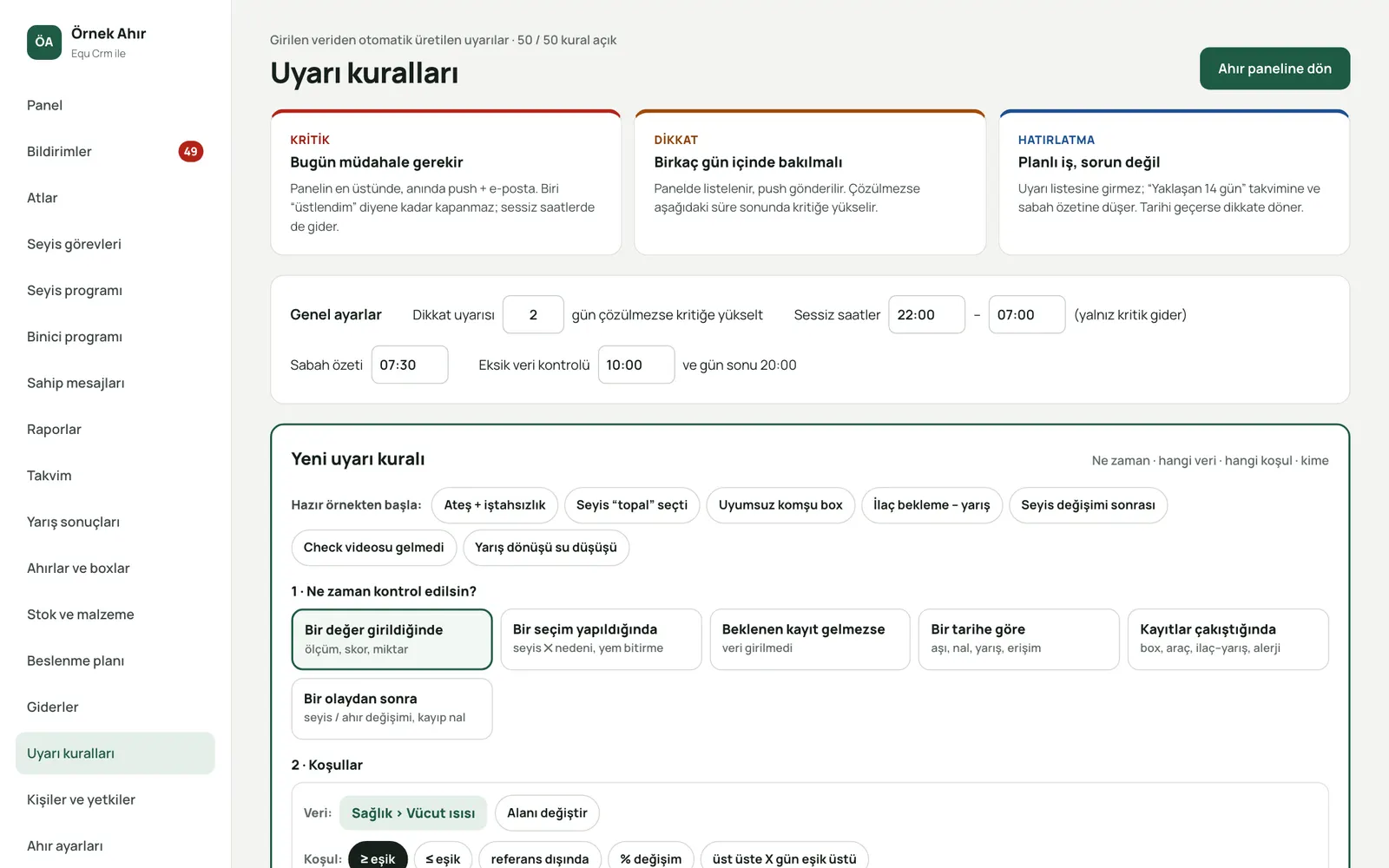
Alert rules
Built-in and custom rules catch risky situations automatically: fever with poor appetite, lameness scores, missing entries, incompatible horses in the same lorry.
- Critical, warning and reminder levels
- Take over, snooze, resolve workflow
- Combine conditions with the rule builder
Related article: Lameness and colic in horses: early signs and what to do on the yard
06
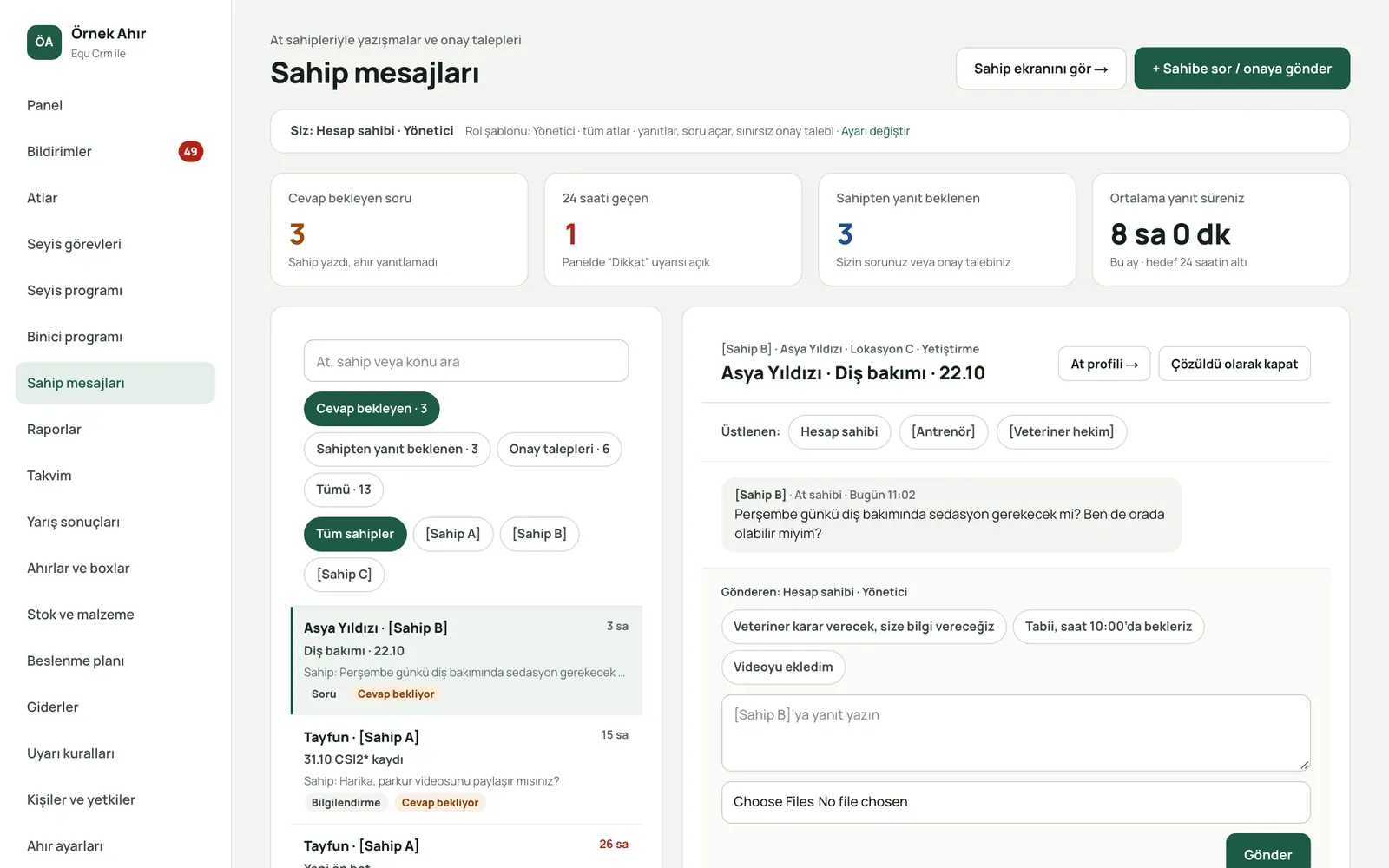
Owner messages, approvals and invoices
Owners approve, question or decline items above the amount you set, right in the app. Messages and invoices stay on record.
- Approval flow tied to an amount threshold
- Conversations linked to each horse
- Invoices on the owner's screen
Related article: Running a livery yard: clear owner communication, approvals and invoices
07
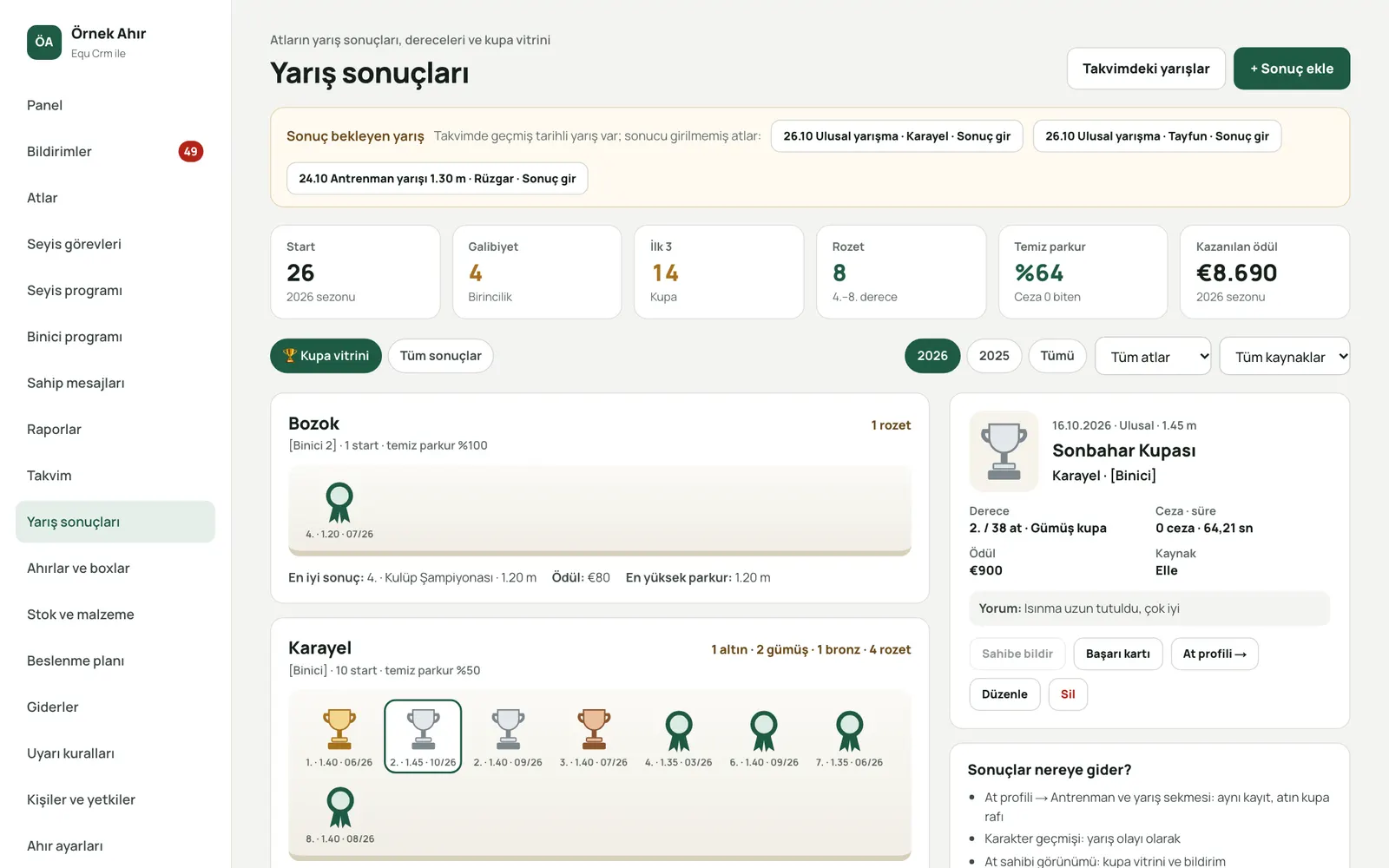
Competition results and trophy cabinet
Record competition results and each one is added to the horse's history. Owners see their horse's achievements in a trophy cabinet.
- Placing, penalties, time and prize money
- Achievement card and trophy cabinet
- Owner notified when a result is entered
Related article: Competition season planning: calendar, transport and results tracking
08
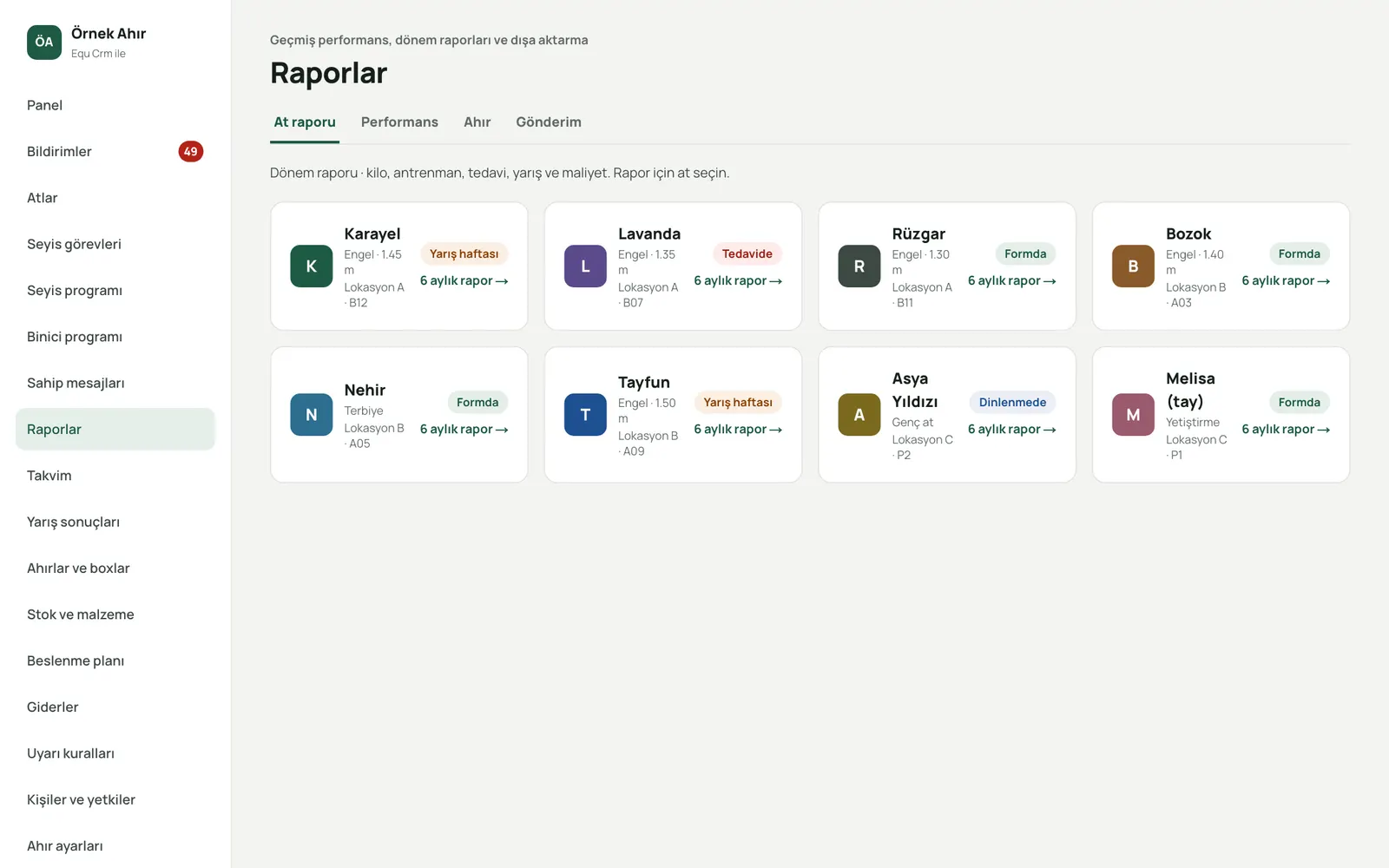
Reports and scheduled reports
Performance, stable, health and cost reports by period. Scheduled reports arrive regularly by e-mail and can be shared securely by link.
- Performance report with period comparison
- Scheduled e-mail delivery with CSV attached
- Share links with an expiry date
Related article: Planning a horse's weekly training load: intensity, variety and rest
09
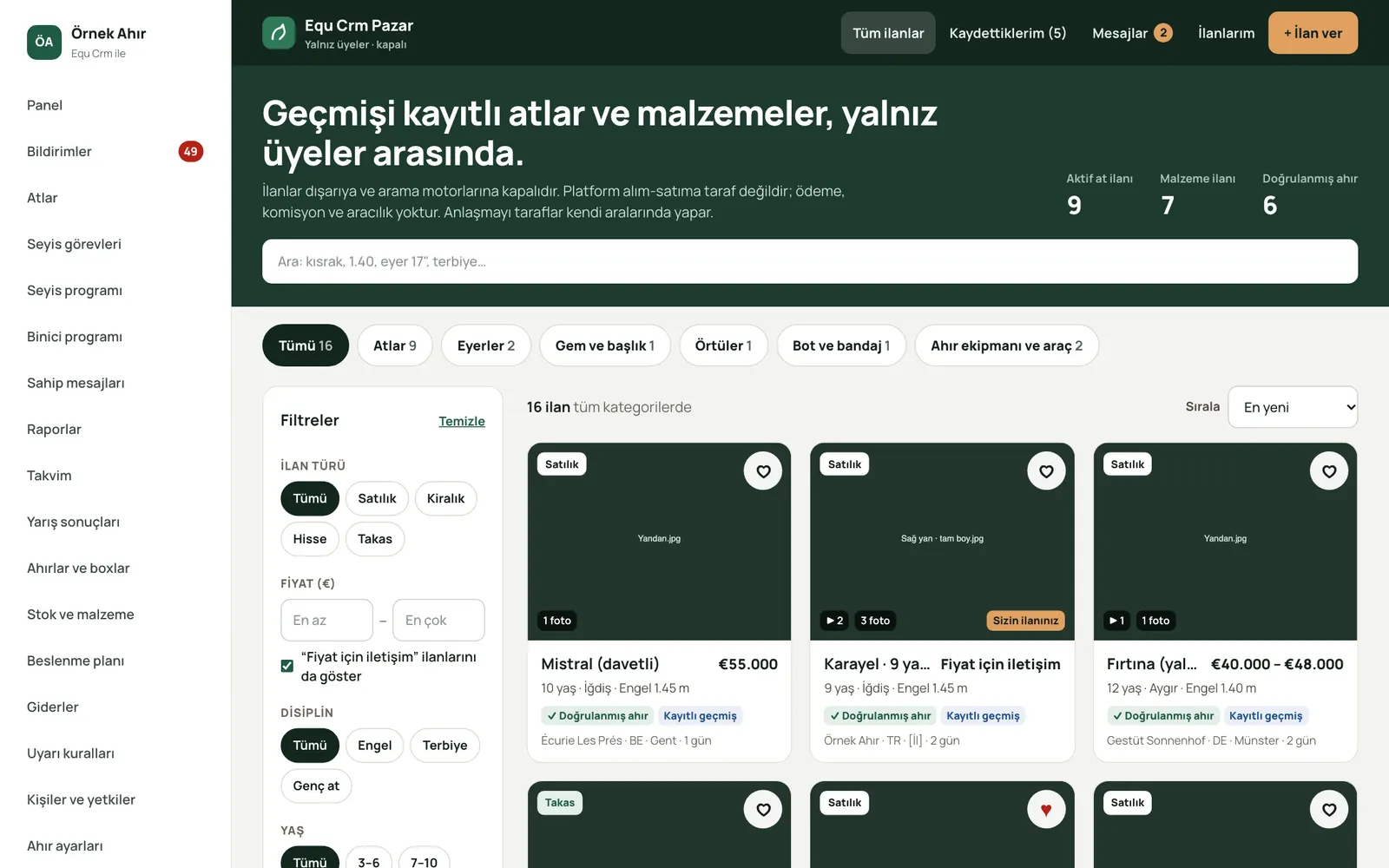
Members-only market
Horses for sale or lease are visible only to stables on the platform. With the seller's approval, buyers can review the horse's health history.
- Create listings from the horse profile
- Approved access to history
- In-platform messaging and saved searches
05
Notifications
Tasks, alerts, approvals and messages reach the right person by mobile push notification and e-mail. Everyone chooses what they receive and through which channel.
- Mobile push and e-mail
- Personal notification preferences
- Jump from a notification straight to the record
Related article: Groom shift handover: how to keep the yard running between shifts
10
Standard catalogues
You don't start from scratch: ready-made catalogues are usable from day one and can be extended for your stable.
- 44training types
- 455groom tasks
- 367feeds and supplements
11
Stable branding
Your logo and brand colour appear in the menu, on owner screens, in e-mails and in reports. Staff and owners feel they are using your stable's own app.
- Logo and brand colour
- Branded e-mails and reports
- Accessible colour contrast, automatically
Related article: From paper, Excel and WhatsApp to digital stable management: a practical guide
Let's find the modules that fit your stable
In the demo we show only the modules your stable actually needs.