Why the current set-up stops working
Paper, Excel and WhatsApp are not bad tools. The yard diary is always to hand, a spreadsheet is flexible, and everyone knows how to use WhatsApp. The problem is that they are disconnected and none of them is the single source of truth. The vaccination date is in one file, the farrier visit in the diary, the vet's instructions in a voice note. Nobody knows who updated what last.
The symptoms are familiar: the same question is asked in the group every day, a new groom has no idea where to find anything, owner invoices are pieced together from old messages, and when the yard manager goes on holiday the knowledge goes with them. As the number of horses and staff grows, those gaps turn into real risk.
Step 1: Take stock of what you have
The first step is not choosing software; it is seeing where information lives today. Set aside an afternoon and list every source of records. Don't be alarmed by how scattered it looks — that is normal.
| Source | What it usually holds | What to do in the move |
|---|---|---|
| Yard diary / whiteboard | Daily feeds, farrier and vet visits | Bring across the last few months and open items; archive the old pages |
| Spreadsheets | Horse list, owner details, vaccination dates, costs | Clean up and prepare for import |
| WhatsApp groups | Instructions, photos, changes | Pick out instructions that still apply and record them on the right horse |
| Passports and documents | Identity, vaccination records | Enter identity details and the most recent vaccinations |
| People's memory | Allergies, temperament, "he hates that" | Sit down with the head groom and add it to each horse's profile |
The last row is the one most often forgotten. That a horse gets grumpy when groomed, refuses a particular feed or must never share a field with another horse is rarely written anywhere. The move is a good opportunity to finally write it down.
Step 2: Clean up and prioritise the data
You don't need to move everything. Entering ten years of feed diaries helps nobody. Bring across what you need to run the yard today, and add history as and when it is needed.
Data checklist before you migrate
- One record per horse: no horse listed twice under different spellings.
- Owner names and contact details are current and belong to the right person.
- Latest vaccination and worming dates checked against the passport or paperwork.
- Allergies, ongoing conditions and "need to know" notes flagged separately.
- Current feed plan and supplements written down per horse.
- Upcoming appointments (vet, farrier, competitions) listed with dates.
- Horses that have left the yard and former staff separated out.
- Unnecessary personal data (old phone numbers, copied ID photos) removed.
Step 3: Start with a small pilot
Switching the whole yard over on a Monday morning is the most common mistake. Pick one barn, one team or ten to fifteen horses instead. Include at least one keen groom and one sceptic in the pilot; the sceptic's objections are the quickest way to make the system fit real life.
Begin with the work that repeats most: the daily groom tasks. Once feeds, grooming, turnout and bandaging are being ticked off every day, the team gets used to the system fast. Appointments, reports and owner communication can follow in a second phase. Our article on the daily groom routine is a good starting point for setting that routine up.
Step 4: Train the grooms and the wider team
Grooms don't work at a desk, so training should happen in the yard, on a phone, using real jobs. Short, hands-on sessions beat a long presentation.
- Show each role what it needs: a groom should see and tick only their own tasks; a trainer the exercise plan; an owner only their own horse. Showing everyone everything just confuses.
- Be there in the first week: the head groom or yard manager should do the rounds alongside the team for the first few days and sort out sticking points on the spot.
- Think about language and literacy: keep task names short and use the words people actually use on the yard.
- Settle the phone question early: agree who uses a yard phone and who installs the app on their own.
- Collect feedback: at the end of each week ask "what got in the way?" and simplify the list.
Step 5: A short parallel run, then close the old channels
Once the pilot has settled, roll out to the whole yard and run old and new side by side for a short time. The longer this lasts, the more people tire of writing things twice and slip back into old habits. Announce the end date of the parallel run at the start.
| Period | Focus | Done when |
|---|---|---|
| Week 1 | Inventory and data clean-up | Horse list, owners and open items ready |
| Weeks 2–3 | Daily tasks with the pilot group | Tasks are ticked off every day |
| Week 4 | Roll-out to the whole yard, appointments and alerts | Everyone logs in with their own account |
| Week 5 | End of parallel run | Diary and task groups retired |
When the parallel run ends, you don't have to ban WhatsApp altogether, but stop using it for tasks and instructions. The answer to "where are this horse's instructions?" should be one place only. Archive the task groups; a separate group for general chat can stay.
Common mistakes during the move
- Moving everything at once: trying to import every record from past years delays the start by weeks. Begin with today's work.
- Setting it up without the team: a task list written only in the office won't match the real order of work on the yard. Involve the head groom early.
- No one in charge: the system needs an owner. It should be clear who creates the record when a new horse arrives and who removes access when someone leaves.
- Letting the parallel run drag on: if writing things in two places becomes permanent, the team ends up keeping both half-done.
- Selling it as a monitoring tool: if grooms see the system as surveillance, resistance grows. Show them what they gain: fewer phone calls, fewer repeated questions, clear instructions.
How the move works with Equ Crm
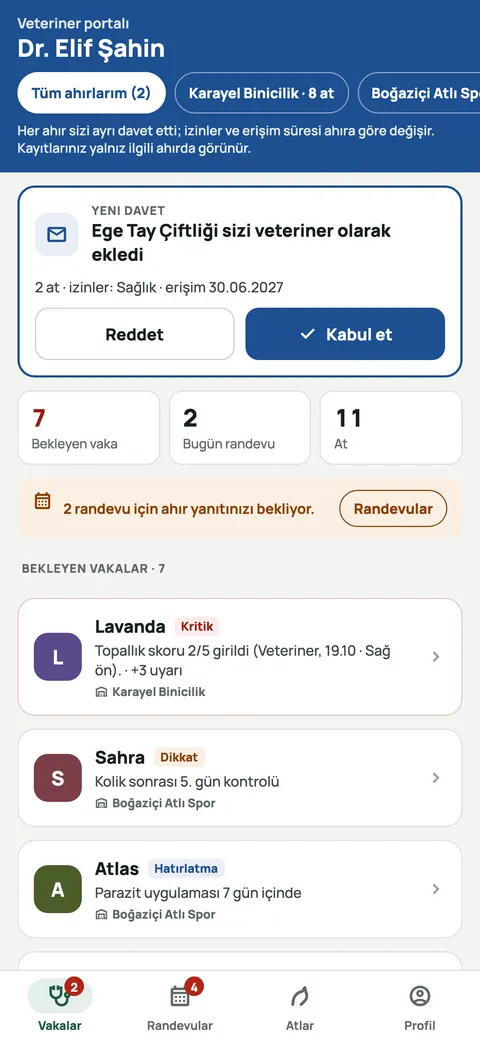
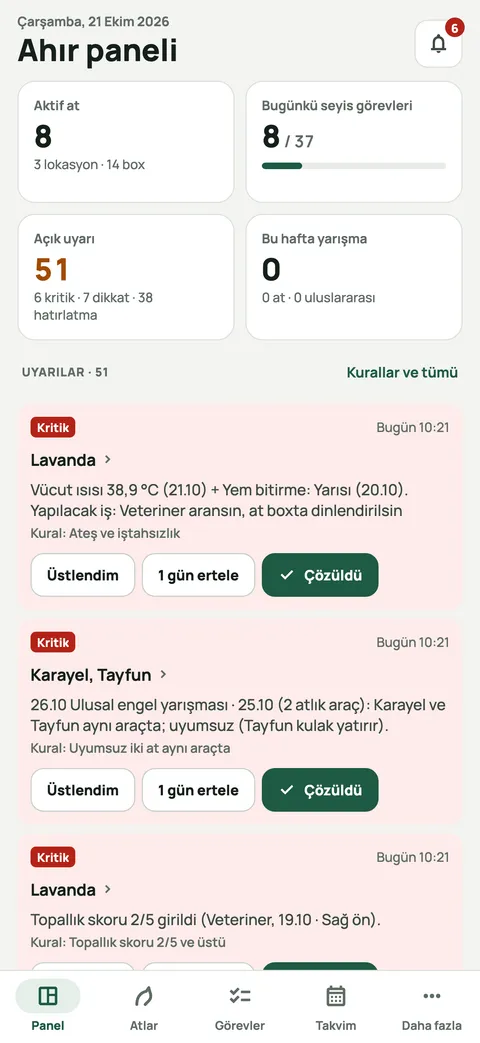
Equ Crm is built to bring a yard's information into one place: the horse profile (identity, health records, vaccinations, shoeing history, feed plan), groom tasks per horse and per time slot, a weekly calendar for vet, farrier and competition appointments, and an owner portal. Grooms tick tasks off on their phone with one tap; where there is no signal in the barn, the ticks sync once the connection returns. Each role sees only the modules and horses it has permission for.
You don't start from a blank page: ready-made catalogues of 455 groom tasks, 44 training types and 367 feeds and supplements speed up the first set-up. We plan how to bring your existing spreadsheets across together in the demo call. For common set-up questions see our FAQ, or simply book a demo.